Linux is famously known for letting users do practically anything they want with it. Whether it is full control over your system, or the way it looks, Linux has that granted.
Depending on the distribution (“distro” for short), designing it can be extremely simple. That doesn’t stop it from having tons of options to customize though.
The Fundamentals
The simplicity of designing the operating system mainly comes from two things: the distro, and the desktop environment/window manager. The distributions act mostly as the base on how it works. While the desktop environments control how the system behaves visually.
By example, Arch Linux is famous for how it hardly comes with anything pre-configured. That means you decide from the get-go which desktop environment and programs you want to use. GNOME is a desktop environment that I personally compare a lot to macOS, while KDE Plasma is basically Windows 11 but actually customizable.
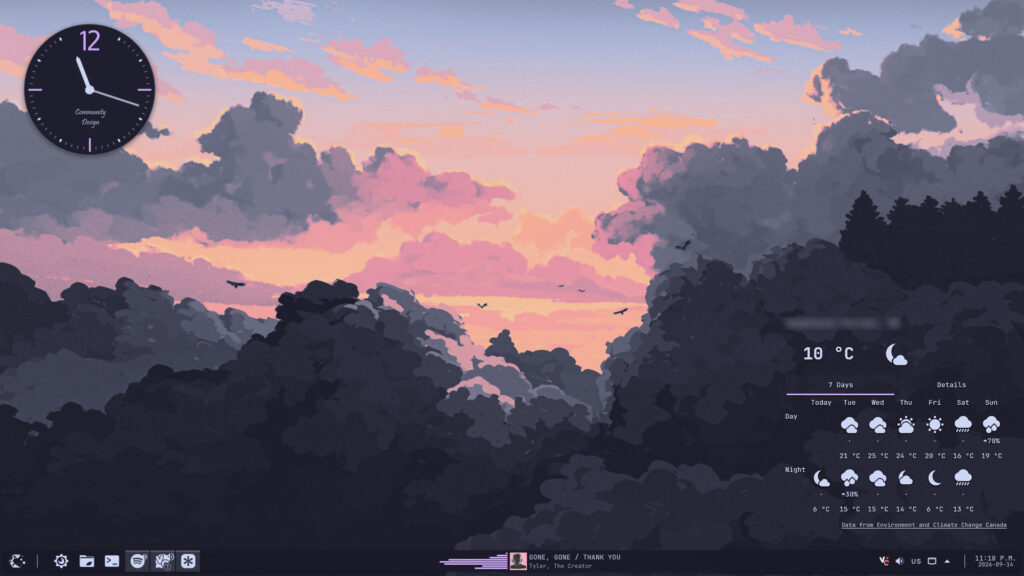
How to Design Linux
Using KDE Plasma, you have access to tons of options to modify the look of your desktop, while also having an entire store for themes created by other users.
But if you are more tech-savvy, you can opt in for a window manager like Hyprland or Niri, which require more text-file configuration which is similar to CSS. There are also things called “dotfiles” that are basically themes created by other users that you can download and apply too.
Conclusion
In conclusion, using Linux gives you almost full freedom over the way your operating system works and looks. You can be simple and use themes created by other users, or you can design everything from scratch. The choice is yours.
Just one more thing I want warn you about: make sure to always read the documentation before doing anything.
Leave a Reply